
Canva
The Unified Design Hub
Canva helps teams create presentations, social posts, videos, documents, whiteboards, and branded assets in one visual workspace. Design faster, collaborate in real time, and publish polished content without switching between multiple creative tools.
Turn Briefs into Content Without Friction.
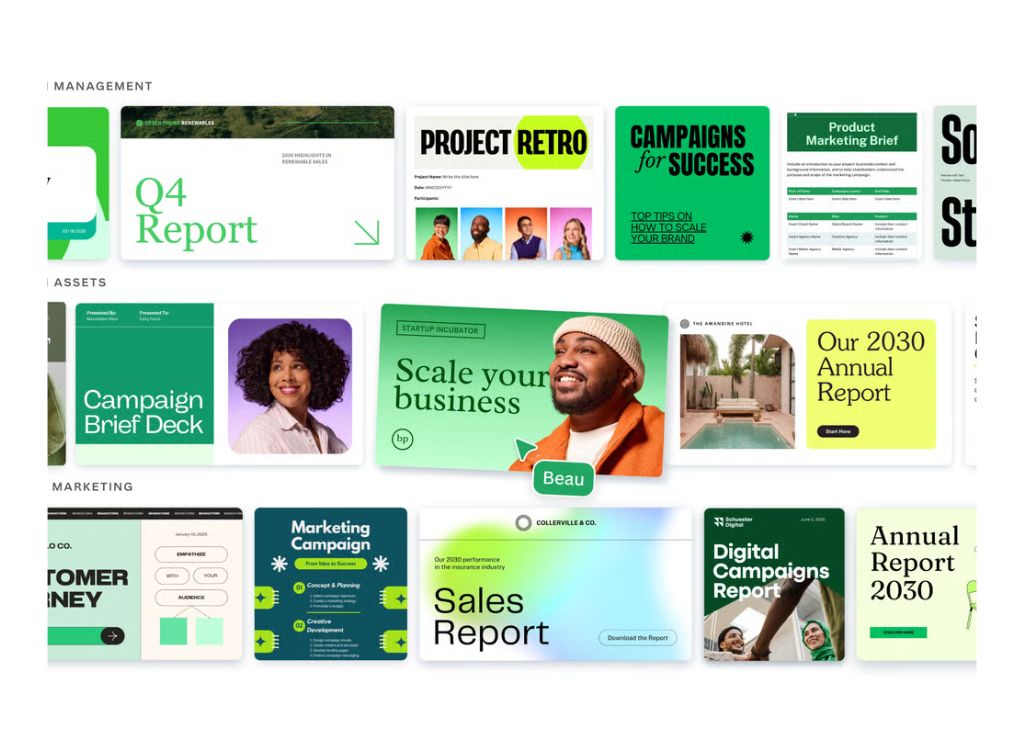
Need to turn an idea into a presentation, campaign asset, or social design fast? Canva brings templates, brand controls, editing tools, and publishing workflows together so teams can move from brief to finished content with far less friction.
- Templates & design editor
- Presentations & docs
- Video & photo editing
- Brand kits
- AI design tools
- Collaboration & approvals
Collaboration
One Visual System. Every Team Aligned.
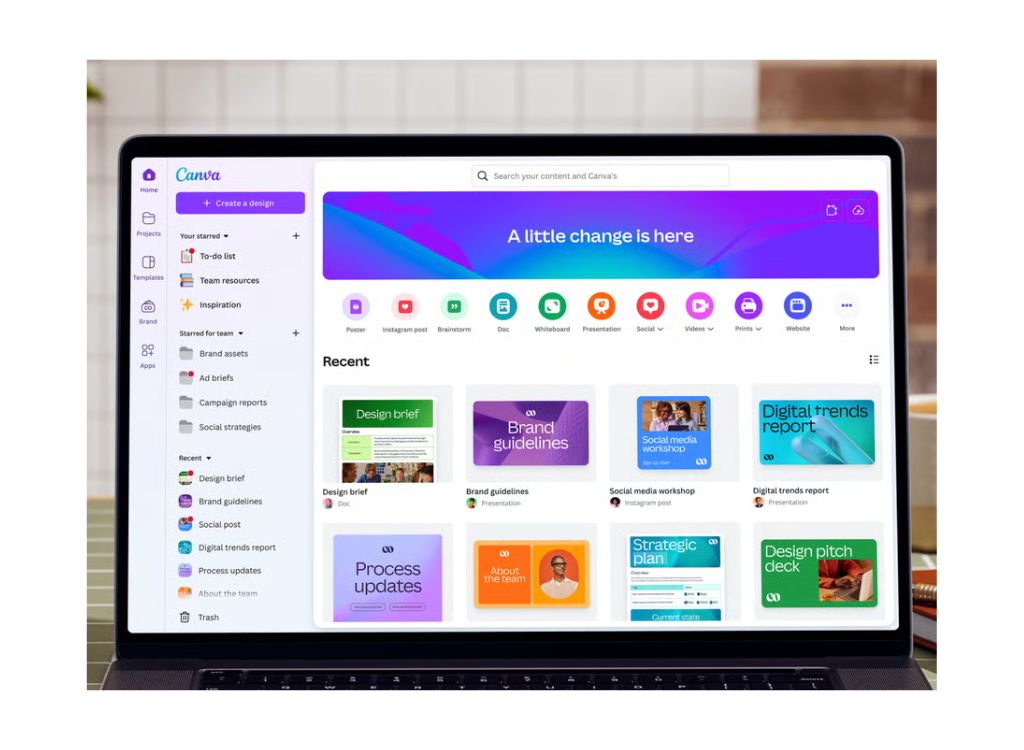
Canva keeps marketing, design, sales, and internal teams working from one shared visual system. Teams can co-edit, review, manage brand assets, and create on-brand content faster, while shared workspaces and approvals reduce revision loops and inconsistency.
Integrations
Extend Canva Without Disrupting Your Workflow.
Canva connects with existing workflows through its Apps Marketplace. Official Canva pages describe hundreds of apps and integrations, plus developer tools and APIs, helping teams connect storage, publishing, productivity, and business systems without rebuilding their design process.
Canva Pricing Options
Pricing provided by Canva. Plans vary by region. (Public plan rates)
1. Free | $0.00
2. Pro | Public paid plan
3. Business | Public paid plan
4. Enterprise | Contact Sales
1. Free | $0.00
Free | $0.00
Built for individuals getting started with visual content. Canva Free includes access to core design tools, free templates and content, letting users create presentations, social media posts, videos, and documents without cost. Best when you need fast creation without advanced brand or premium workflow features.
2. Pro | Public paid plan
Pro | Public paid plan
Designed for solo creators who need premium design power. Canva Pro adds premium content, Brand Kits, Magic Resize, Background Remover, and 25+ AI-powered features to help users create faster and keep output more polished across channels and formats.
3. Business | Public paid plan
Business | Public paid plan
Built for individuals and growing teams. Canva Business adds higher AI access, advanced brand management, marketing insights with analytics, and shared workspaces for smoother collaboration. It fits teams that need faster production with more control, consistency, and coordination.
4. Enterprise | Contact Sales
Enterprise | Contact Sales
For larger organisations needing governance and scale. Canva Enterprise emphasizes admin controls, permissions, security capabilities like SSO, SCIM, and audit logs, plus brand management and system integrations for more structured, cross-team visual operations.
Creating Success
Canva Features
Speed up content production across teams
Canva reduces production bottlenecks by giving non-design teams templates, brand tools, and easy editing workflows. That helps organisations create more content faster without relying on a fully centralized design queue.
Keep brand consistency without slowing teams
Brand Kits, shared workspaces, and brand management features help teams create on-brand materials while still moving quickly. This is especially useful when many departments need to publish content without design review on every asset.
Unify design, docs, and presentations
Canva’s Visual Suite brings multiple content formats into one environment, helping teams move from idea to presentation, document, whiteboard, or campaign asset without switching between disconnected creative tools.
FAQ
FAQs About Canva
Want to see if Canva fits your team? Browse FAQs to compare plans, features, and workflows.
Canva is used to create visual content such as social media posts, presentations, ads, videos, and marketing materials. It offers templates, drag-and-drop editing, brand kits, and collaboration tools, making it easy for teams to design content without advanced design skills.
Canva Pro typically costs around $12.99 per month or about $119.99 per year for one user. Pricing may vary by region and plan type, with team plans offering additional collaboration features and brand management capabilities.
Canva provides a large library of free and paid images that can be used under its content license. Most assets can be used for commercial purposes, but some restrictions apply, such as resale or standalone distribution, so it’s important to follow Canva’s licensing terms.
Driving Real Results
3%
Of Google advertisers
100%
Growth clients
15m
Managed budgets