
GoTo Meeting
Online Meetings Software
GoTo Meeting helps teams host secure, reliable video meetings with HD video, screen sharing, dial-in audio, and unlimited meeting time. Run client calls, internal syncs, and remote collaboration with recording, captions, and admin controls.
Run meetings that stay searchable and actionable
Need to confirm what was agreed, who decided, or what was shared in a call? GoTo Meeting captures context with cloud recording, transcriptions, and meeting history so teams can revisit decisions, follow up faster, and reduce rework.
- HD video & screen share
- web + dial-in audio
- unlimited meetings
- breakout rooms
- cloud recording
- transcription & captions
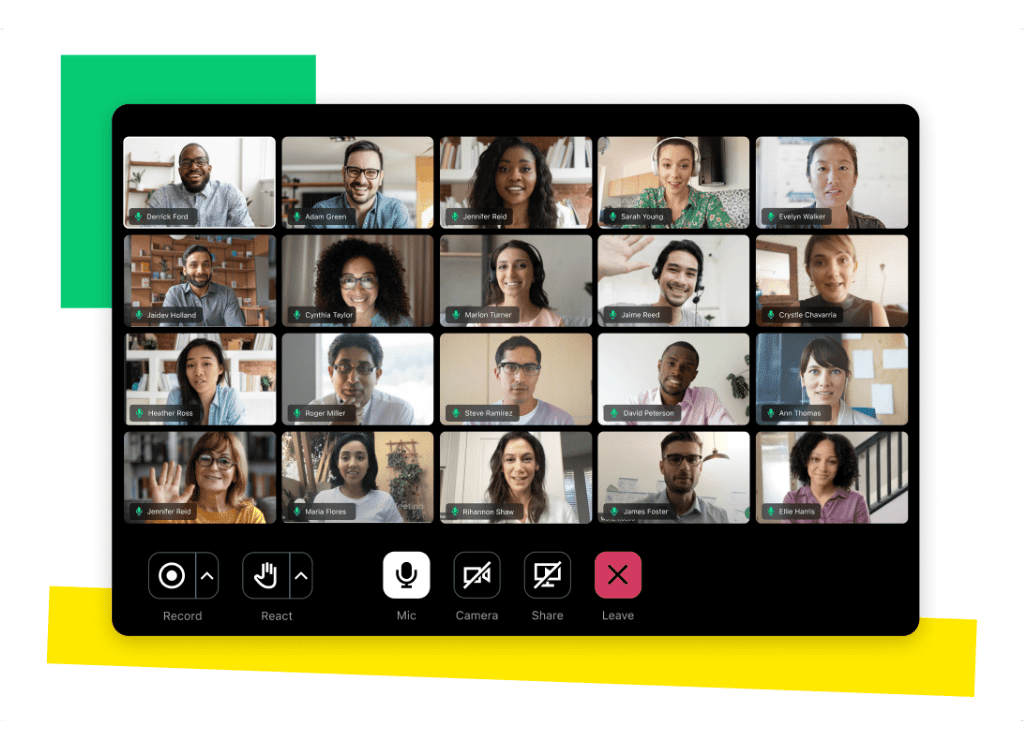
Collaboration
GoTo Meeting supports focused collaboration
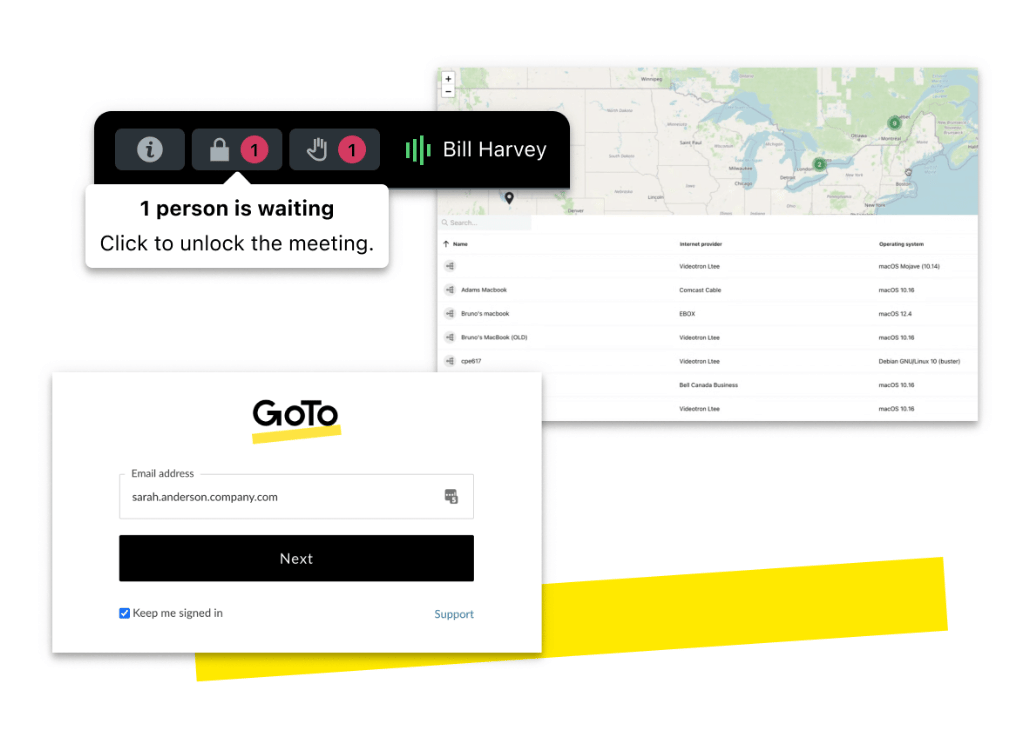
With presenter controls, in-session tools, and flexible joining from desktop, browser, or mobile. Assign co-organizers, lock meetings when needed, and keep teams aligned with recordings and transcripts for clear follow-through.
Integrations
Schedule and join in one click
With Outlook and Google Calendar integrations. Extend workflows using plugins and tools like Slack Meeting Launcher and Salesforce integration, so meetings, invites, and follow-ups stay connected to the systems your team already runs daily.
GoTo Meeting Pricing Options
Pricing provided by GoTo. (public plan rates)
1. Professional | $12/mo (annual)
2. Business | $16/mo (annual)
3. Enterprise | Custom
4. Add-ons | From $5/user/month
1. Professional | $12/mo (annual)
Professional | $12/mo (annual)
Built for small teams running frequent meetings. Host unlimited sessions with no time limits and up to 150 participants. Includes HD video, screen sharing, web audio, dial-in options, business messaging, and a personal meeting room ideal for day-to-day client calls and internal collaboration.
2. Business | $16/mo (annual)
Business | $16/mo (annual)
For growing teams that need reliability and control. Unlock advanced permissions, user management, and audit logs with unlimited projects. Build custom workflows, set automation rules, and integrate tools to scale consistent delivery. Improve visibility with filters and reports so work & release never slip team..
3. Enterprise | Custom
Enterprise | Custom
For large organizations with advanced needs. Enterprise is quoted pricing and supports higher-scale meeting requirements with added onboarding and support options. Best when you need enterprise procurement, centralized deployment, and tailored packages across multiple teams and regions.
4. Add-ons | From $5/user/month
Add-ons | From $5/user/month
Expand calling options with add-ons like toll-free numbers and “Call Me.” Useful for customer-facing teams and global calls where dial-in flexibility matters. You can also bundle GoTo products (meetings, webinars, room solutions, phones) for consolidated pricing and governance.
Creating Success
GoTo Meeting Features
Reduce meeting drop-offs and confusion
GoTo Meeting supports uninterrupted collaboration with strong reliability and structured controls, helping teams avoid “what did we decide?” loops and keep execution moving from call to follow-up with clear meeting artifacts.
Standardize secure collaboration
Security and admin controls (like meeting lock, encryption, and enterprise governance options) help teams standardize how meetings run, especially when clients, partners, and sensitive discussions are involved across distributed teams.
Make knowledge reusable
With recording and transcription available from meeting history, teams can reuse discussions for onboarding, retros, and stakeholder updates so context doesn’t live only in the room, and decisions stay accessible after the call ends.
FAQ
FAQs About GoTo Meeting
Want to see if GoTo Meeting fits your team? Browse FAQs to compare plans, limits, add-ons, and the best setup path.
GoTo Meeting works as a cloud-based video conferencing platform where users can host or join meetings through a browser, desktop app, or mobile device. Hosts can share screens, record meetings, manage participants, and collaborate with HD video, audio, chat, and meeting controls.
GoTo Meeting pricing starts at about $12 per month for the Professional plan when billed annually. The Business plan starts around $16 per month, while Enterprise plans offer custom pricing. Costs may vary depending on team size, required features, and add-ons.
Yes, GoTo Meeting includes several security features such as meeting locks, encryption, admin controls, and secure authentication. These controls help protect meeting data, manage participants, and ensure safe collaboration for businesses and remote teams.
GoTo Meeting offers Professional, Business, and Enterprise plans. The Professional plan supports smaller teams, while Business plans add more collaboration and management tools. Enterprise plans provide advanced security, integrations, and administrative control for larger organizations.
Driving Real Results
3%
Of Google advertisers
100%
Growth clients
15m
Managed budgets